 SHEET HOUND
Takeoffs for specialty equipment vendors
Your spec section, counted and checked.
Sheet Hound reads the bid packet, keeps only what you sell, counts it on the plans and flags where the spec and the drawings disagree. You make the call on every flag.
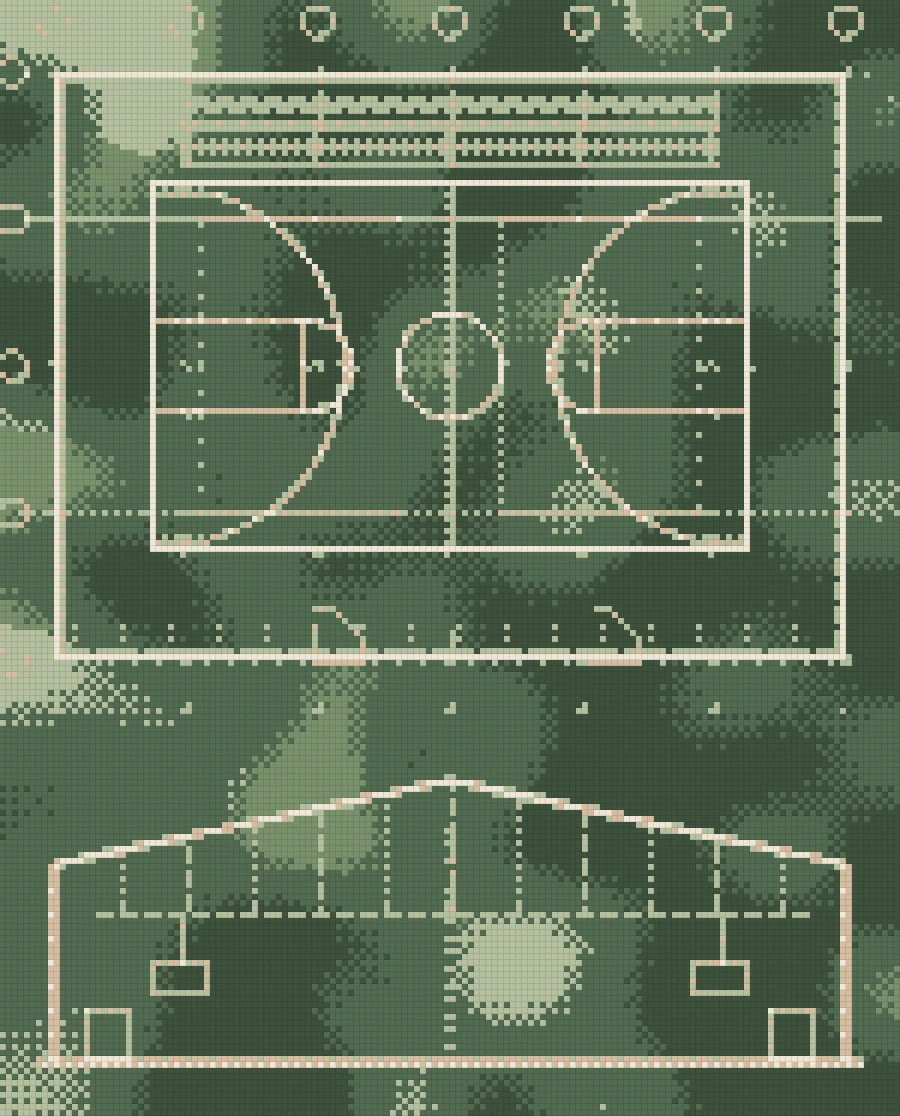
Spec says a divider curtain.
The plans don’t show one.
Flag: confirm before pricing
How it works
- 01
Drop the bid packet
The plan-room download: spec book, plans, addenda. Sheet Hound sorts it.
- 02
It reads your spec section
You bid one CSI section, not the building. It reads that section.
- 03
Keeps only what you sell
Lines you don't carry fall out, so you don't count them.
- 04
Counts it on the plans
Each item is found on the drawings and tied to the sheet it came from.
- 05
Flags what doesn't add up
Where the spec and the drawings disagree, it stops and asks.
- 06
You make the call
Approve, correct or exclude each flag. Then export your own takeoff workbook.

What it catches
Counting is the easy part. The work is the conflicts between the spec and the drawings. Sheet Hound finds them and puts the sheet in front of you.
Spec'd but not drawn
A divider curtain in the spec with nothing on the plans.
Drawn but not spec'd
Bleachers on a sheet that the section you're bidding never mentions.
Something in the way
HVAC where the divider curtain has to run. Note it before the field measure.
Missing sizes
A pad with clean geometry but no size in the takeoff. It asks instead of guessing.
Who it’s for
Specialty equipment vendors. Gym equipment first: backboards, divider curtains, wall pads, volleyball, bleachers, scoreboards.
Estimators who bid one section. You read 11 66 23, not the whole building. Sheet Hound reads it the same way.
Teams that want to check, not retype. Every number points to its sheet. Your takeoff stays your workbook.